Viewing Work
Browse your work interactively with view() and the GUI
Overview
Framework provides tools for interactively exploring your data, viewing saved results, and browsing your project structure.
Interactive Viewing
Use view() to open objects in an interactive HTML viewer in your browser.
Data Frames
For data frames, you get a searchable, sortable, filterable table:
view(mtcars)
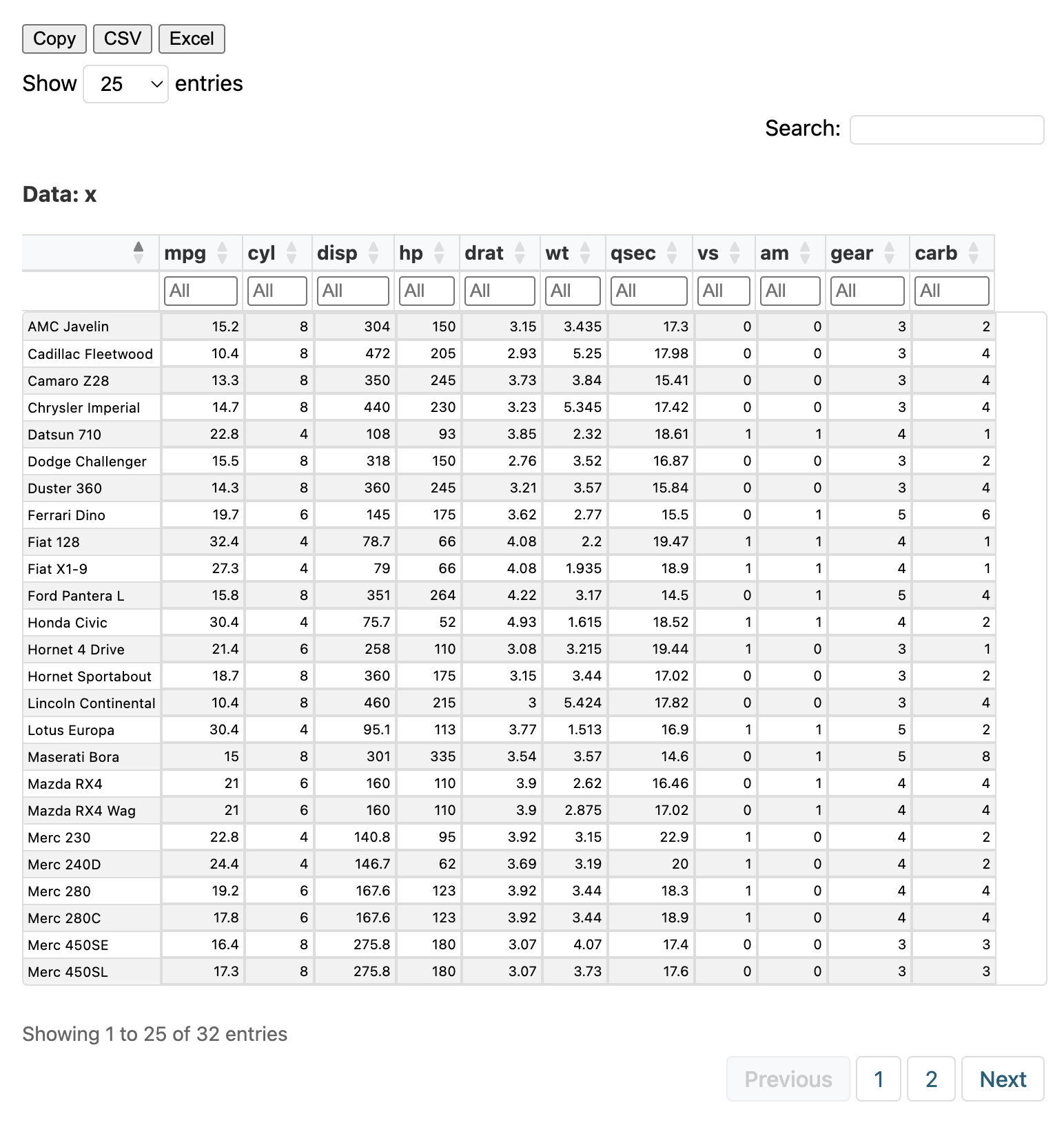
Features:
- Search across all columns
- Filter individual columns
- Sort by clicking headers
- Export to Copy, CSV, or Excel
- Pagination for large datasets
Complex Objects
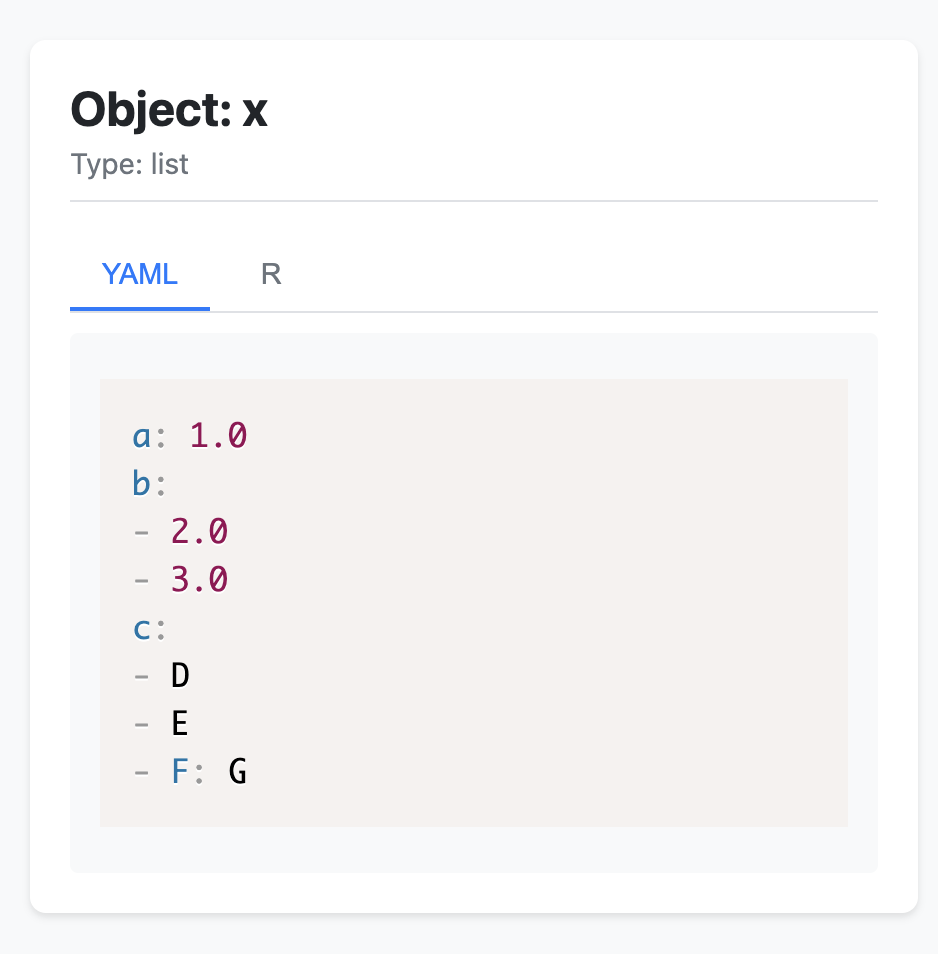
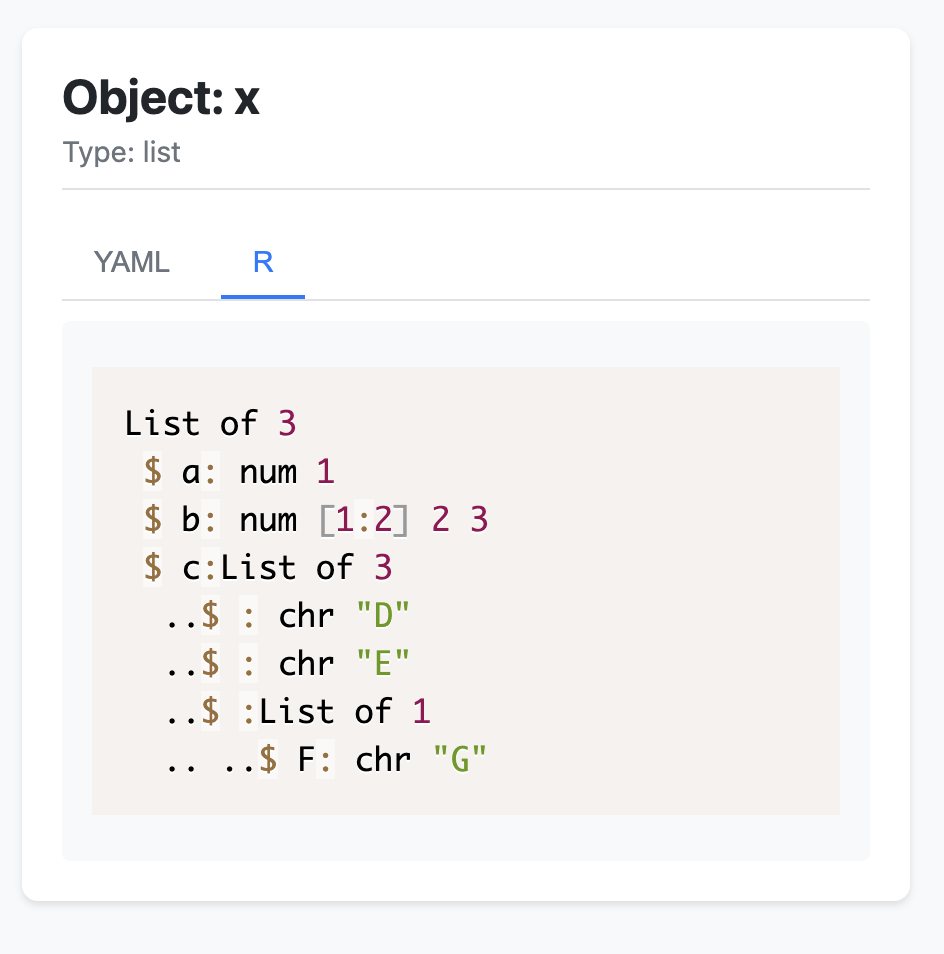
For lists and other complex objects, view() displays a structured view with YAML and R tabs:
x <- list(a = 1, b = c(2, 3), c = list("D", "E", list(F = "G")))
view(x)
Options
# Custom title
view(df, title = "Survey Results")

# Limit rows for very large datasets
view(large_df, max_rows = 1000)
Aliases view_create() and view_detail() also work.
Listing Results
Query saved results with result_list():
# All results
result_list()

# Filter by type
result_list(type = "figure")
result_list(type = "table")
result_list(type = "model")

# Filter by public status
result_list(public = TRUE)
result_list(public = FALSE)

# Combine filters
result_list(type = "table", public = TRUE)
Returns a data frame with all tracked results and their metadata.
Project Info
View your project structure and output mappings:
project_info()
This displays:
- Project type and root directory
- Configured directories
- Output directory mappings
- Data catalog summary
GUI Integration
The Framework GUI provides visual access to your work. Run setup() and navigate to the Project section to see:
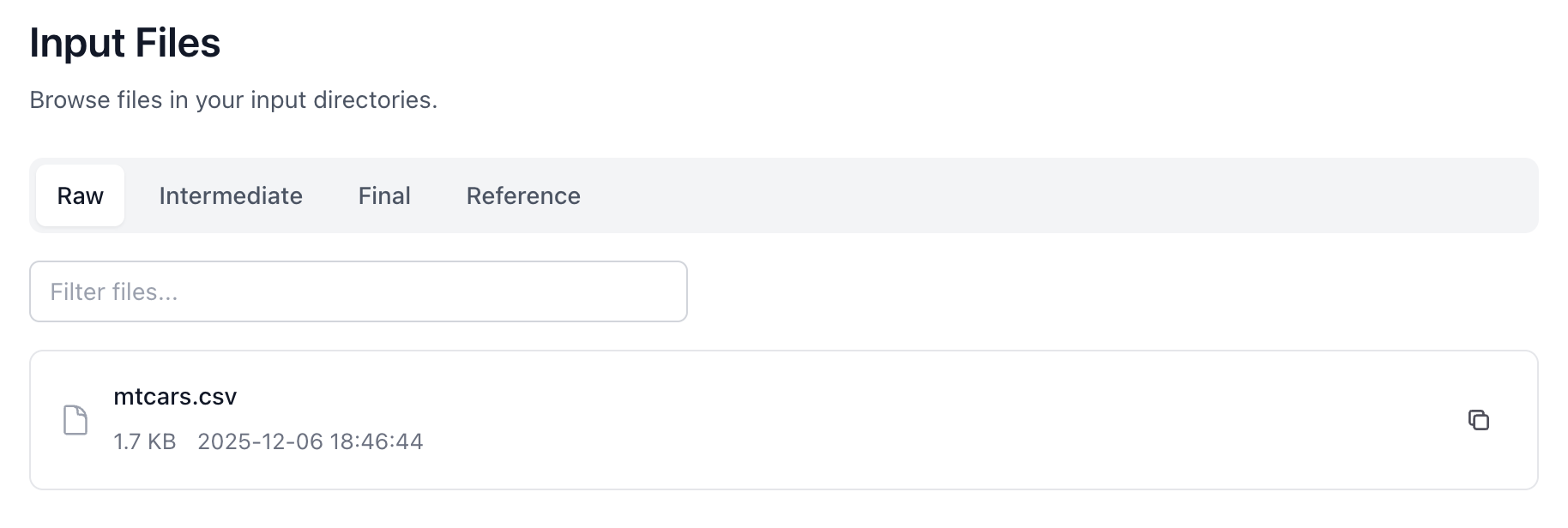
- Inputs: Browse files in your input directories
- Outputs: Browse saved output files
- Results: View tracked results from
framework.db