
Getting Started
Making a New Project
Create a new Framework project
Create a Project
After running setup(), create a new project from the GUI or command line.
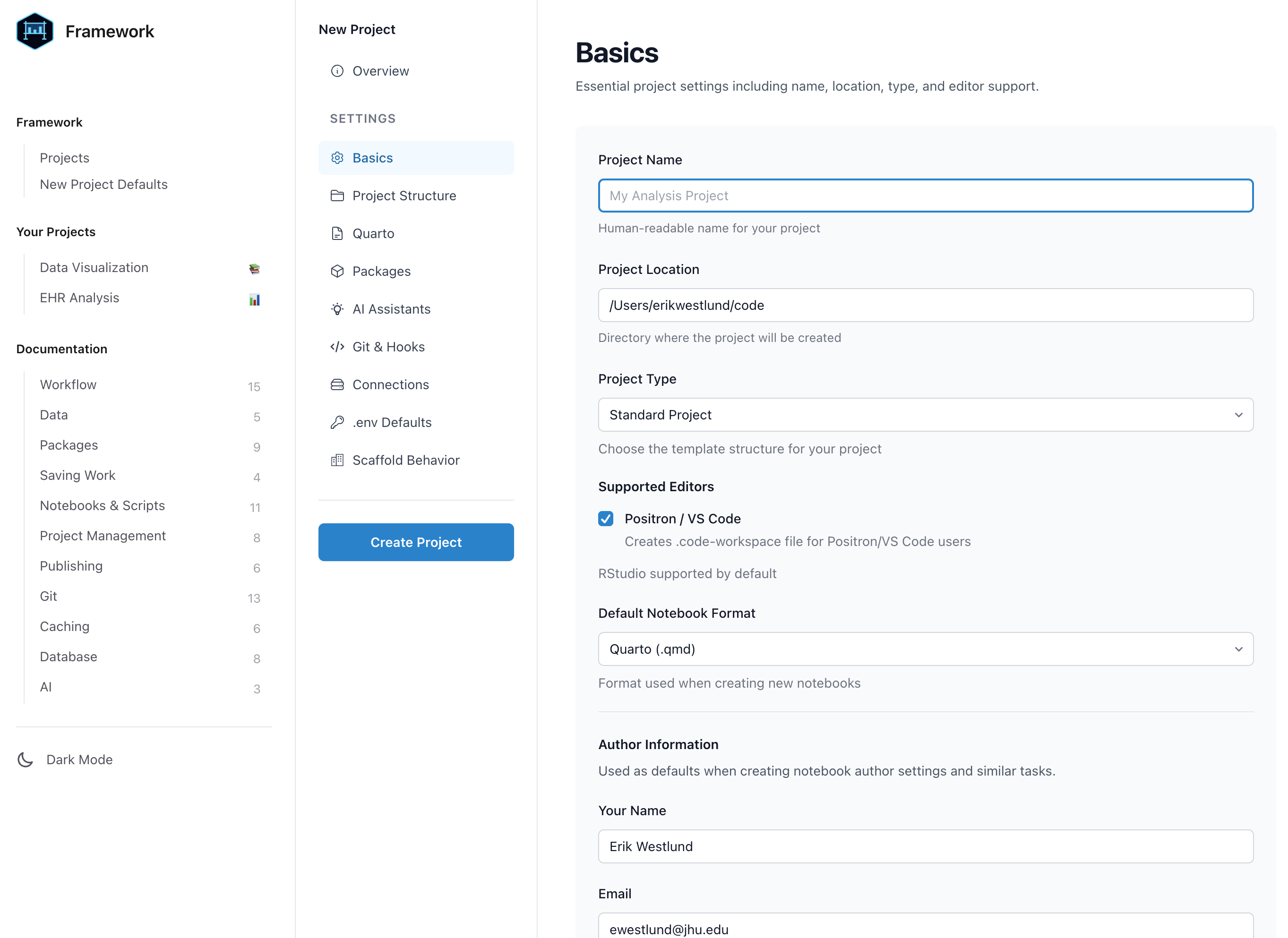
Using the GUI
Click + New Project in the GUI sidebar, or run:
framework::gui()
Using the Command Line
framework::new_project()
This prompts for a project name and location, then creates a fully configured project using your saved defaults.
You can also specify the name and location directly:
new_project("my-analysis", "~/code/my-analysis")
Project Types
Framework supports four project types, each with its own function:
Standard Project
The default. Full-featured structure for data analysis:
new_project("my-analysis")
Sensitive Data Project
Enhanced privacy controls with separate private/public flows:
new_project_sensitive("medical-study")
Presentation
Minimal structure for RevealJS slides:
new_presentation("quarterly-review")
Course
Structured for teaching materials with slides, assignments, and modules:
new_course("stats-101")
What Gets Created
When you create a project, Framework:
- Creates the directory structure based on your defaults
- Generates a
settings.ymlwith your configuration - Sets up
.gitignorewith sensible defaults - Creates IDE workspace files (VS Code/Positron)
- Adds AI assistant configuration (CLAUDE.md) if enabled
- Initializes git if configured
- If git identity isn’t configured, the initial commit is skipped with a note
- Set
git config user.nameandgit config user.emailto enable auto-commit